 Fantasia
Help center / Image
Relight
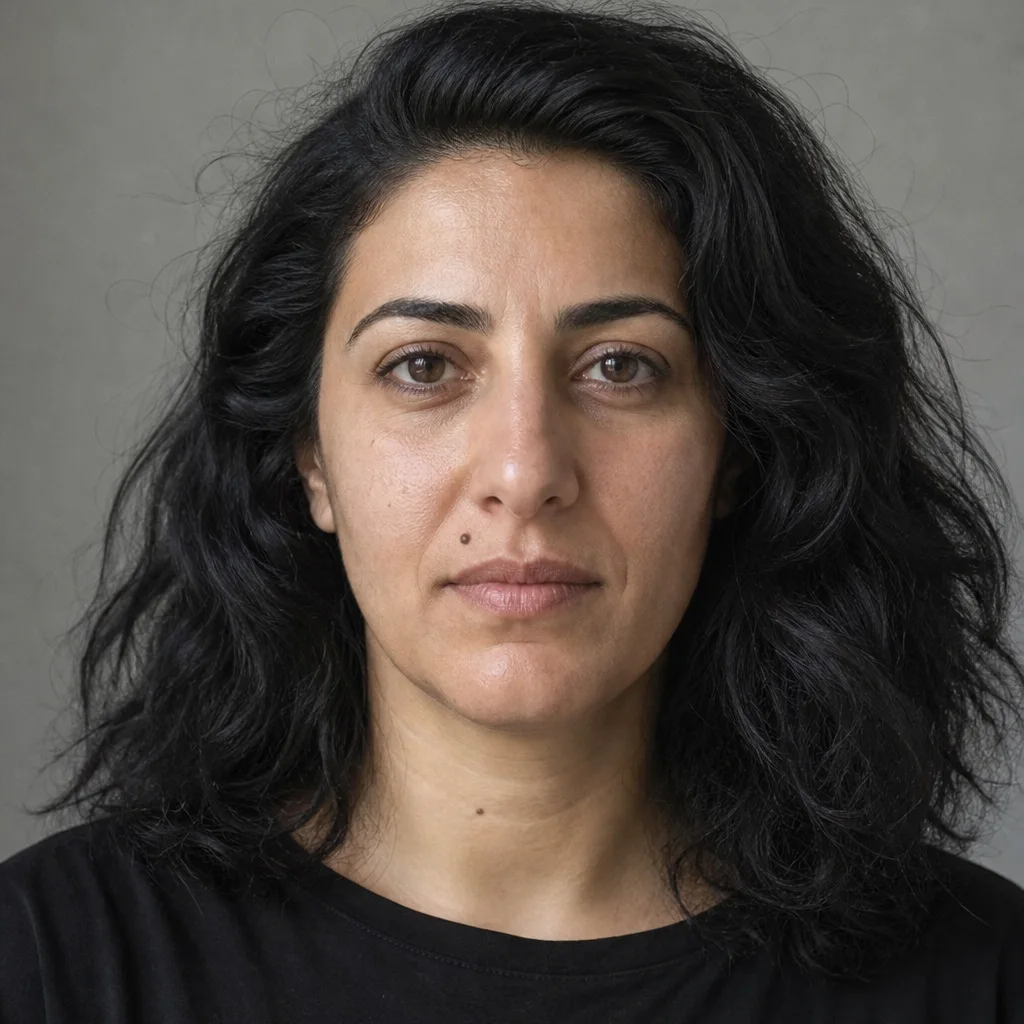
Change only the light on a photo: Golden Hour, Blue Hour, Neon Night and five more. 4 credits.

- Price
- 4 credits
- Lights
- 8
- Output
- PNG, same size as yours
When to use it
- The photo is right but the light is wrong.
| If you want to | Use instead |
|---|---|
| Change something else in the photo | Magic Editor |
Details
Add a photo, pick a light and press Relight. The lights are Golden Hour, Blue Hour, Neon Night, Softbox Studio, Dramatic Key, Overcast, Candlelight and Sunset Backlight. The person, face, pose and setting stay as they are; only the lighting changes.
Each relight costs 4 credits and comes back as a PNG the same size as your photo.
Common issues and fixes
| What you see | What to do |
|---|---|
| Add your photo first. | Add a photo (JPG, PNG or WebP) of a person or scene. |
| Choose an image file. | Add a JPG, PNG or WebP. |
| Needs 79 credits. You have 12. | Top up. |
| Blocked by the safety check | Use a different photo. |
| Couldn’t read your file | Add a normal JPG, PNG or WebP. |
Questions
Does Relight change the person in the photo?
It is asked to change only the light and keep the person, face, pose and setting. Each try costs 4 credits.
Related
Updated November 18, 2026. Prices are in credits, as checked on that day.