 Fantasia
Help center / Start here
Canvas
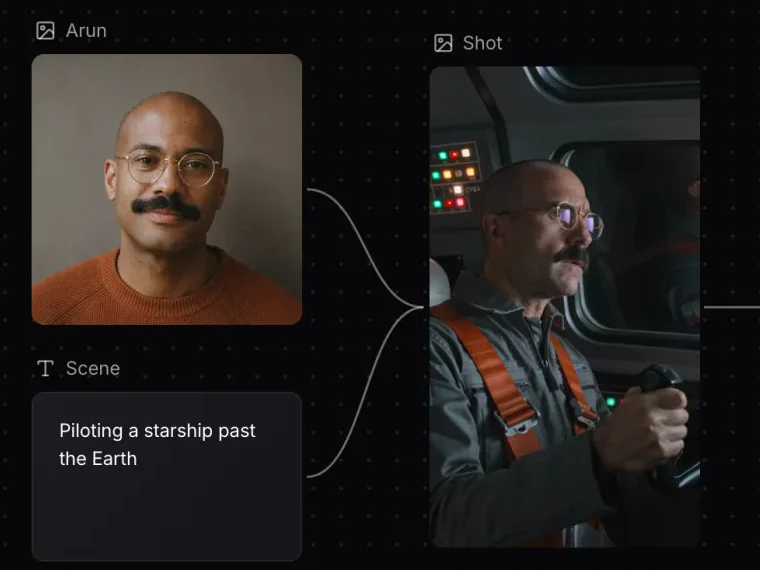
A board where prompts, pictures and clips connect to each other, so you can build a scene step by step and redo any step without starting over.
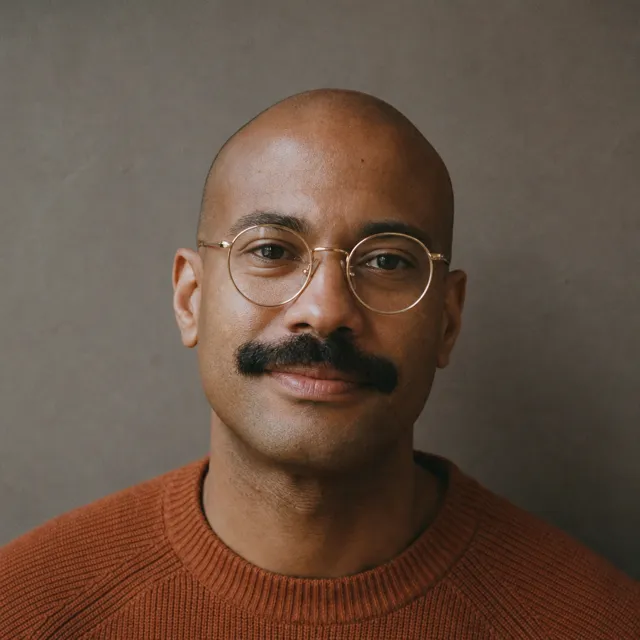
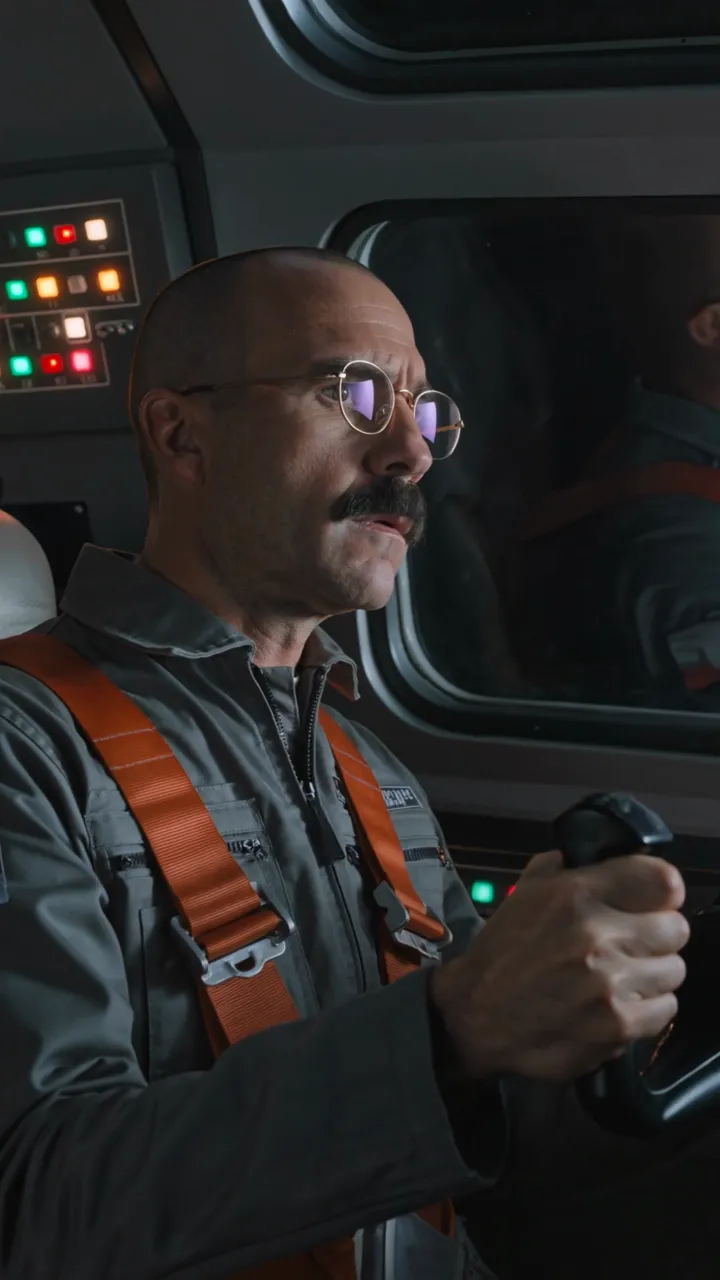
- Price
- Same as Create Image and Create Video
- Nodes
- Text, Image, Video, Sticky note
- Saved
- In this browser
When to use it
- A project has several steps that depend on each other and you want to redo one without starting over.
How it works
Add Text, Image, Video and Sticky note nodes, or upload a picture or clip. Drag from one node’s output to another node’s input to connect them: the connected text becomes the start of the prompt, and connected pictures and clips become its references. Change anything upstream and generate the next node again.
Image nodes start on Seedream 5.5 at 1:1; video nodes on Kling 4.0 Flash, 16:9, 720p and 5 seconds. Prices are the same as Create Image and Create Video, shown on each node before you generate. A finished picture can be upscaled or have its background removed, and a finished clip can be upscaled or extended, right on the board.
Start from one of the templates, or press New canvas for an empty board.
Common issues and fixes
| What you see | What to do |
|---|---|
| Couldn’t open that canvas. Check your connection. | Check the connection and reopen it from Assets > Canvases. |
| Add a picture or a clip. | Add an image or an MP4 clip. |
| That file is too large. | Use a smaller file. |
| 1080p needs the Pro plan. | Pick a lower resolution or upgrade. |
Questions
Where are canvases saved?
In the browser you made them in.
What does a node cost?
The same as Create Image or Create Video for that model, shown on the node before you generate.
Related
Updated November 18, 2026.