 Fantasia
Help center / Video
Motion Control
Copy the movement from a 3 to 20 second video onto the person in your photo, keeping their look and background. 63 credits for a 5 second move.
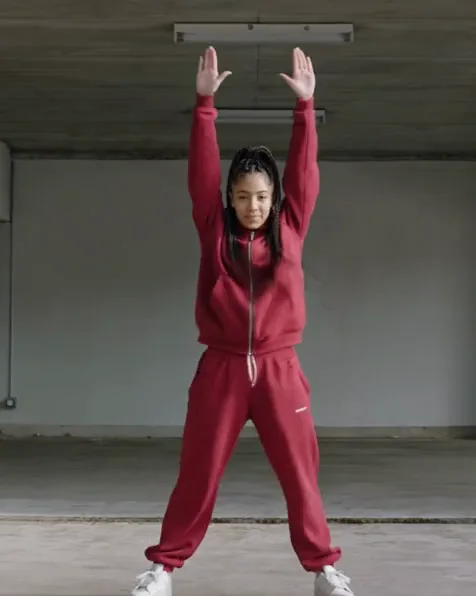
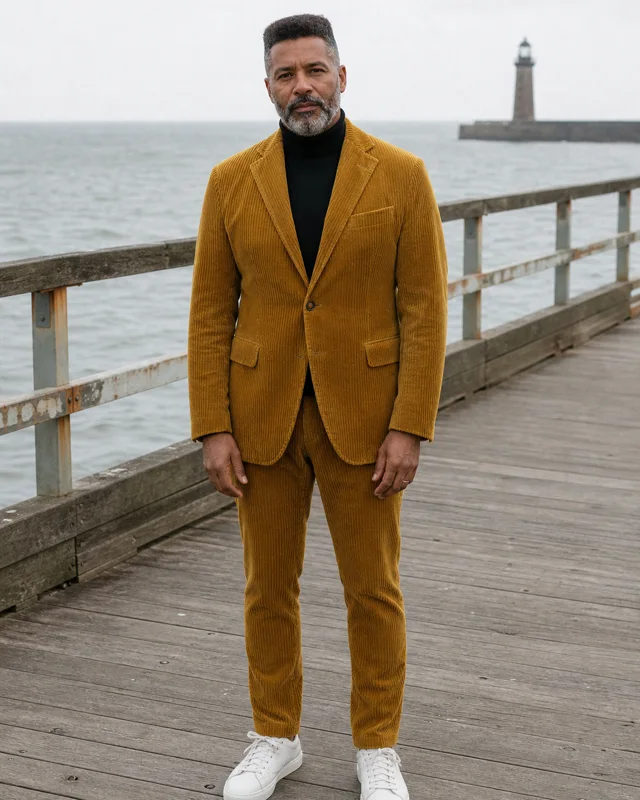
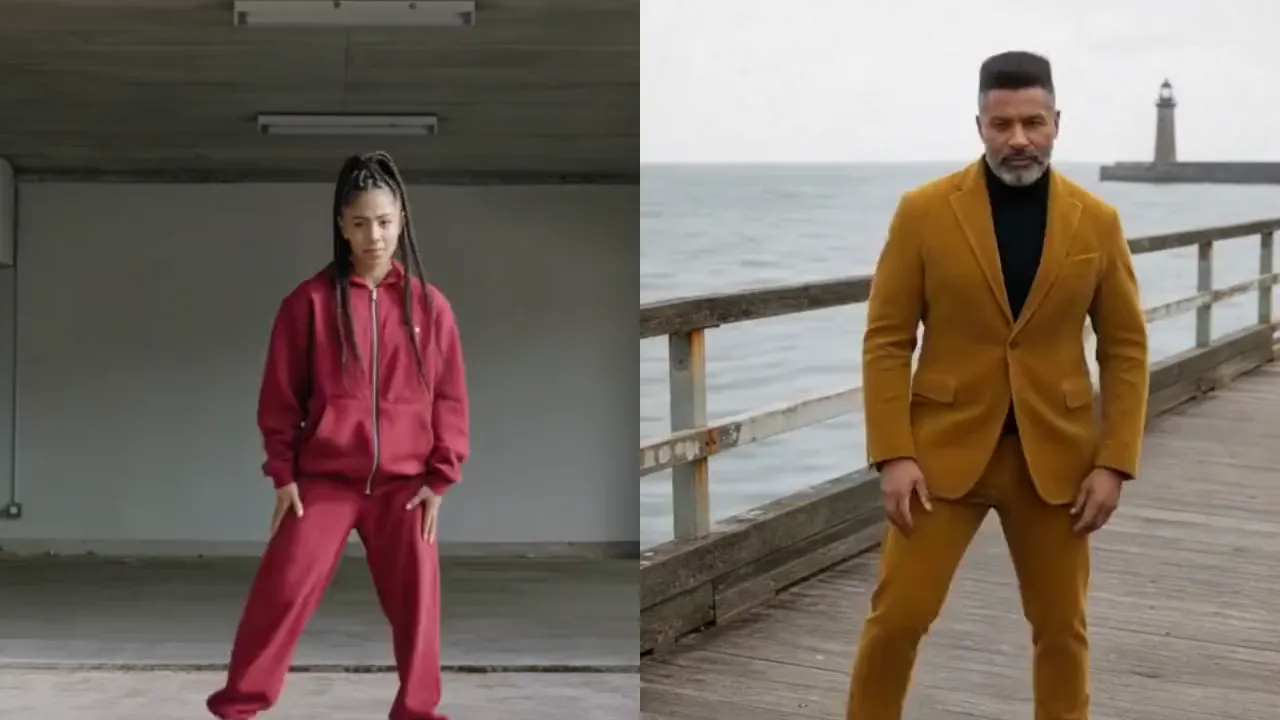
- Price
- 63 credits for a 5 second move
- Motion video
- MP4, 3 to 20 seconds, 720p or more
- Output
- 720p, as long as the move
- Model
- Kling 4.0 Flash
When to use it
- You have a video of a move (a dance, a walk, a gesture) and a photo of who should do it.
- You want the photo’s person and background kept.
| If you want to | Use instead |
|---|---|
| A trending dance without your own video | Effects |
| Swap someone into a video you filmed | Video Recreator |
Copy a move onto your photo
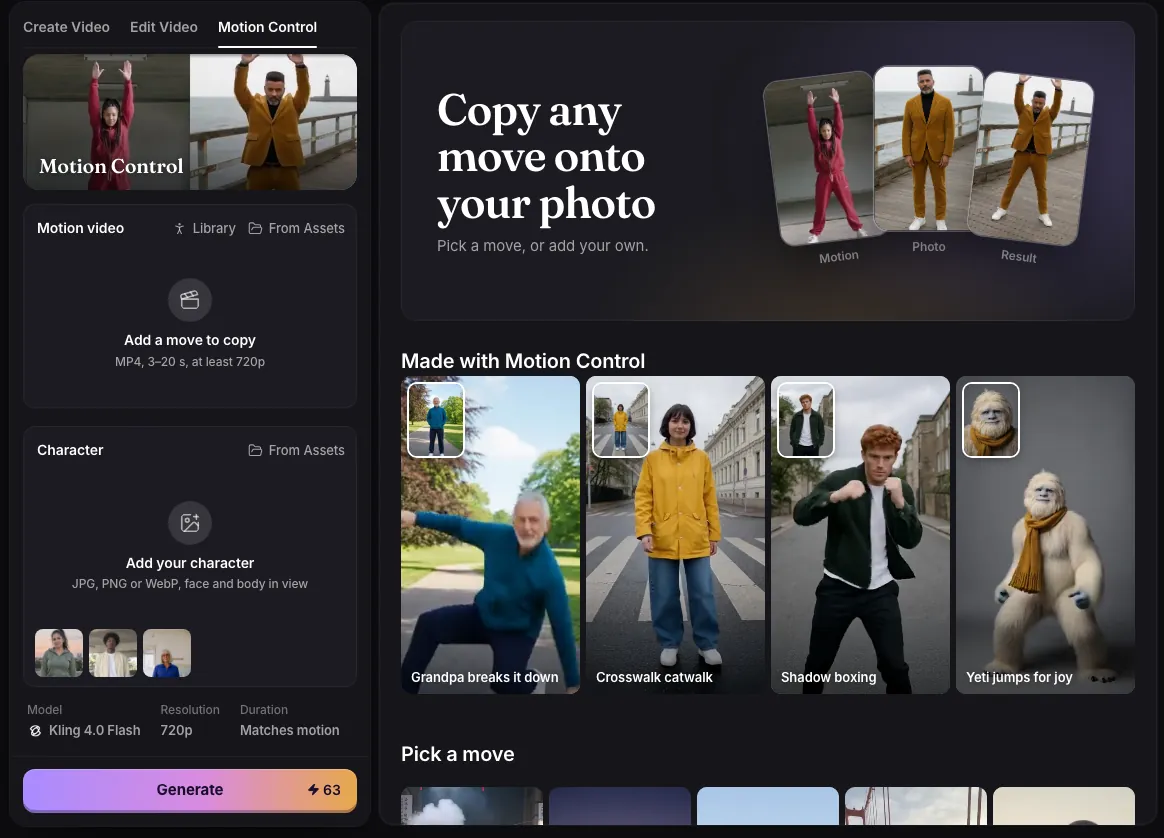
- Add the motion video: an MP4 from 3 to 20 seconds, at least 720p. Or pick a ready move from the library on the page.
- Add the character: a JPG, PNG or WebP photo with the face and body in view.
- Press Generate. The clip runs as long as the motion video, in whole seconds.
What comes out
A 720p video of the person in your photo doing exactly what happens in the motion video, with the same timing. It keeps your photo’s person, outfit and background; the people and the room in the motion video are not shown. The shape follows the motion video: portrait, landscape or square.
Motion Control runs on Kling 4.0 Flash. There is no prompt to write: the page asks for full body in frame, a static camera and one continuous shot.
What it costs
| Motion video | Credits |
|---|---|
| 3 seconds | 38 |
| 5 seconds | 63 |
| 10 seconds | 126 |
| 15 seconds | 189 |
| 20 seconds | 252 |
Tips
- Use a photo with the face and the whole body in view.
- The motion video has to be an MP4. Clips straight from an iPhone are often .mov and need saving as MP4 first.
- Fantasia tells the model to keep one continuous shot with no cuts or close-ups, because without it the clip sometimes cut to a close-up at the end. See Why your AI video cuts to a close-up.
Examples
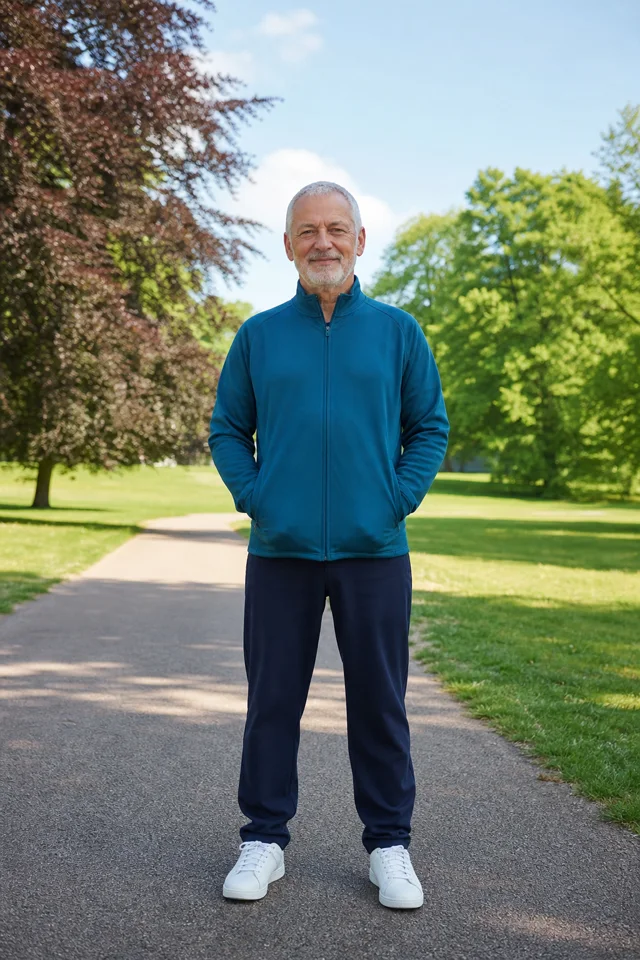
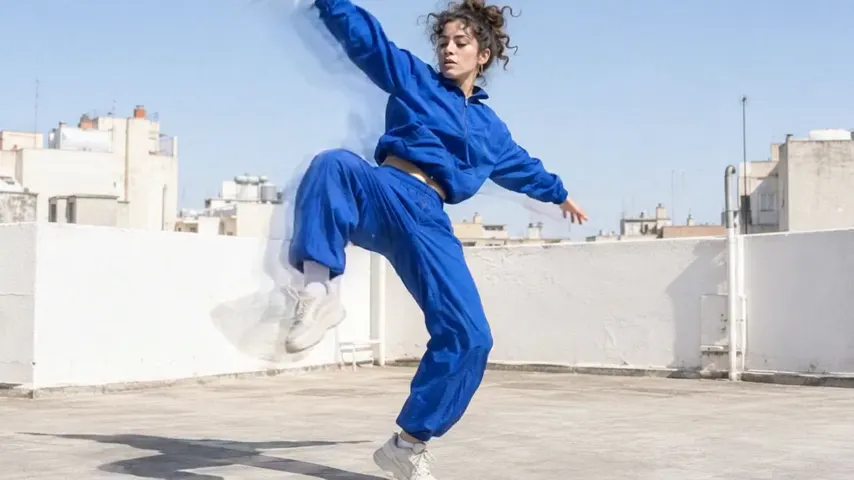
Grandpa breaks it down
Prompt
Photo 1 performs the exact motion from the motion video, with the same timing. Keep the look and the background of Photo 1. Full body in frame, static camera, one continuous shot with no cuts or close-ups.
- Model
- Kling 4.0 Flash
- Motion video
- Rooftop dance, from the library
- Result
- 720p, 4 seconds
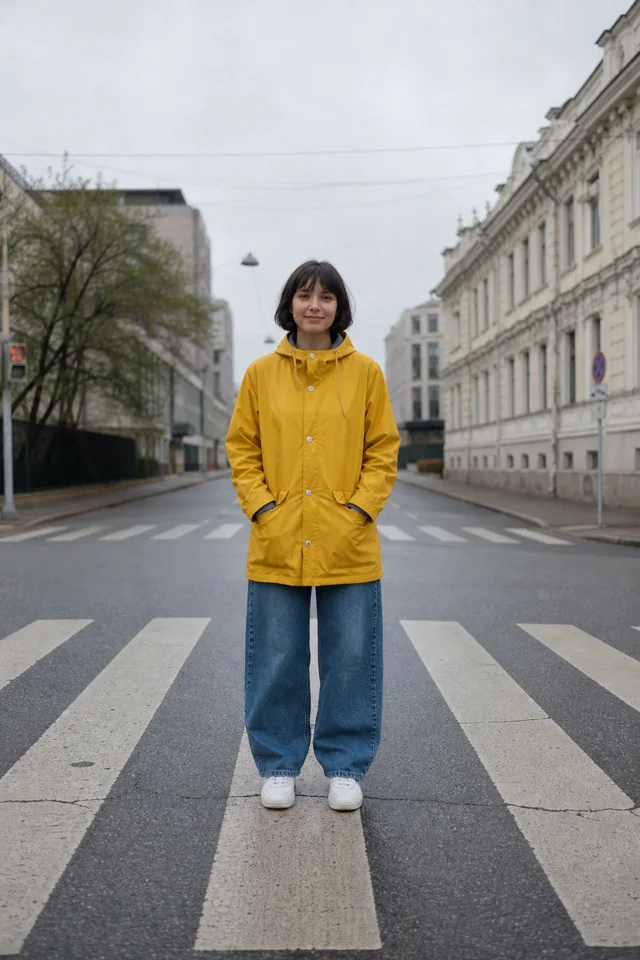
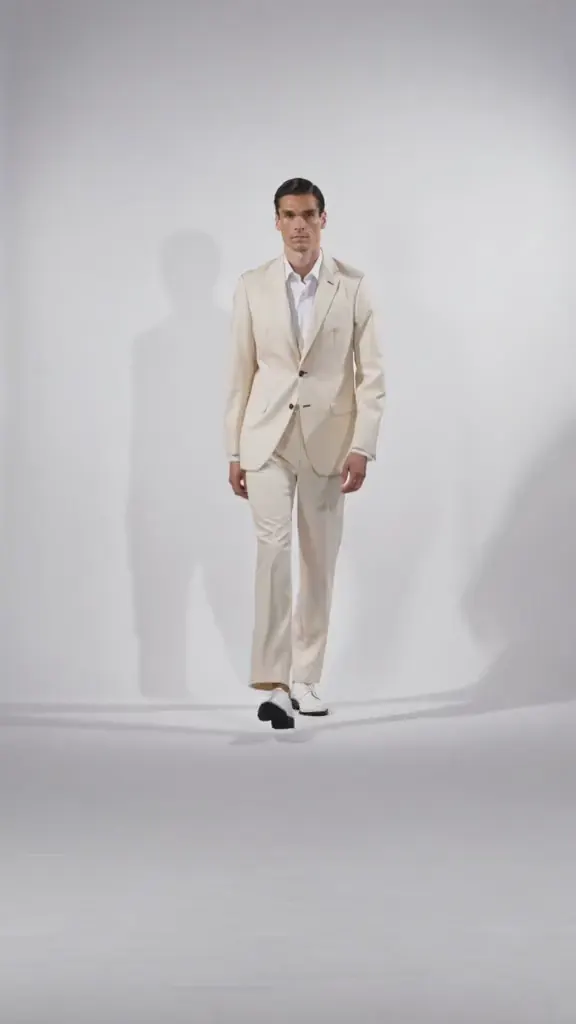
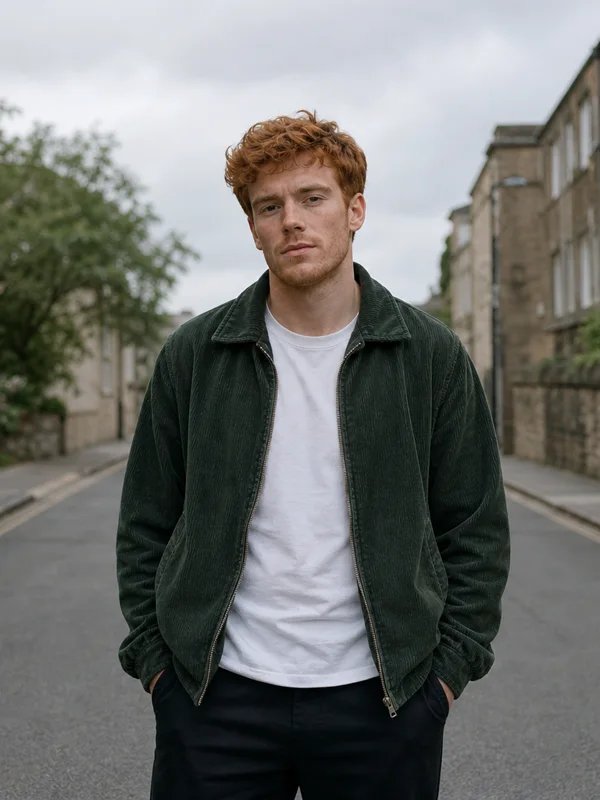
Crosswalk catwalk
Prompt
Photo 1 performs the exact motion from the motion video, with the same timing. Keep the look and the background of Photo 1. Full body in frame, static camera, one continuous shot with no cuts or close-ups.
- Model
- Kling 4.0 Flash
- Motion video
- Catwalk
- Result
- 720p, 5 seconds
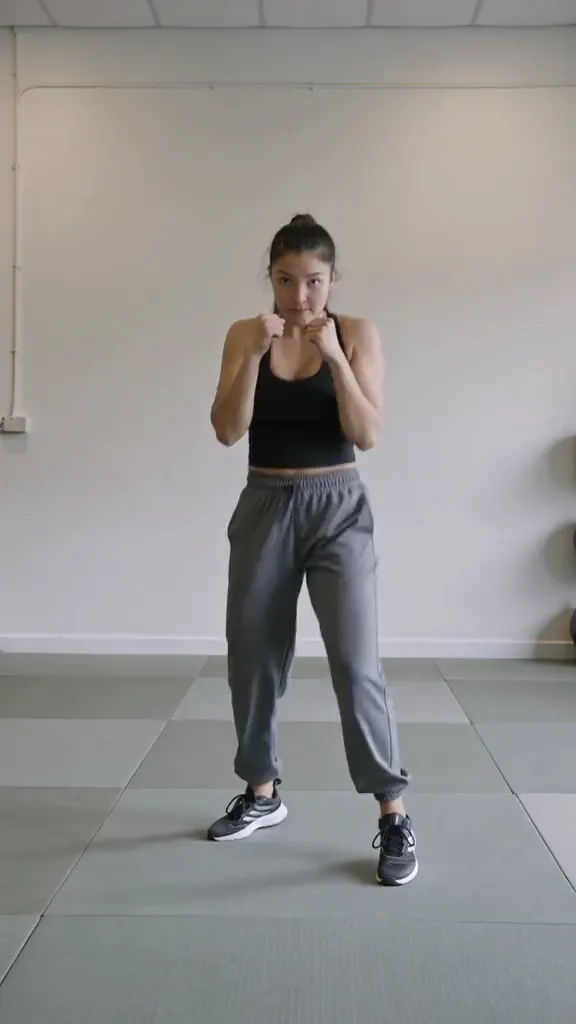
Shadow boxing
Prompt
Photo 1 performs the exact motion from the motion video, with the same timing. Keep the look and the background of Photo 1. Full body in frame, static camera, one continuous shot with no cuts or close-ups.
- Model
- Kling 4.0 Flash
- Motion video
- Shadow boxing, from the library
- Result
- 720p, 5 seconds
Common issues and fixes
| What you see | What to do |
|---|---|
| This video is 2.4 s. Use one that is at least 3 s. | Pick or record a motion video of 3 seconds or more. |
| This video is 640 × 360. Use one that is at least 720p. | Use a video that is at least 720p (1280 x 720 or 720 x 1280). |
| This video is longer than 20 s. Choose a shorter one. | Trim the motion video to 20 seconds or less. |
| Use an MP4 video. Other formats, like iPhone .mov, aren’t supported yet. | Export or convert the clip to MP4 and add it again. |
| Add a motion video first. | Add the motion video and the character photo, then press Generate. |
Questions
How long can a Motion Control video be?
From 3 to 20 seconds, the length of your motion video rounded down to whole seconds.
Does it keep my photo’s background?
Yes. Only the movement comes from the video; the person, outfit and background come from your photo.
Which model does Fantasia use for motion control?
Kling 4.0 Flash, at 720p.
Related
Updated November 18, 2026. Prices are in credits, as checked on that day.