 Fantasia
Help center / Stories
Anime
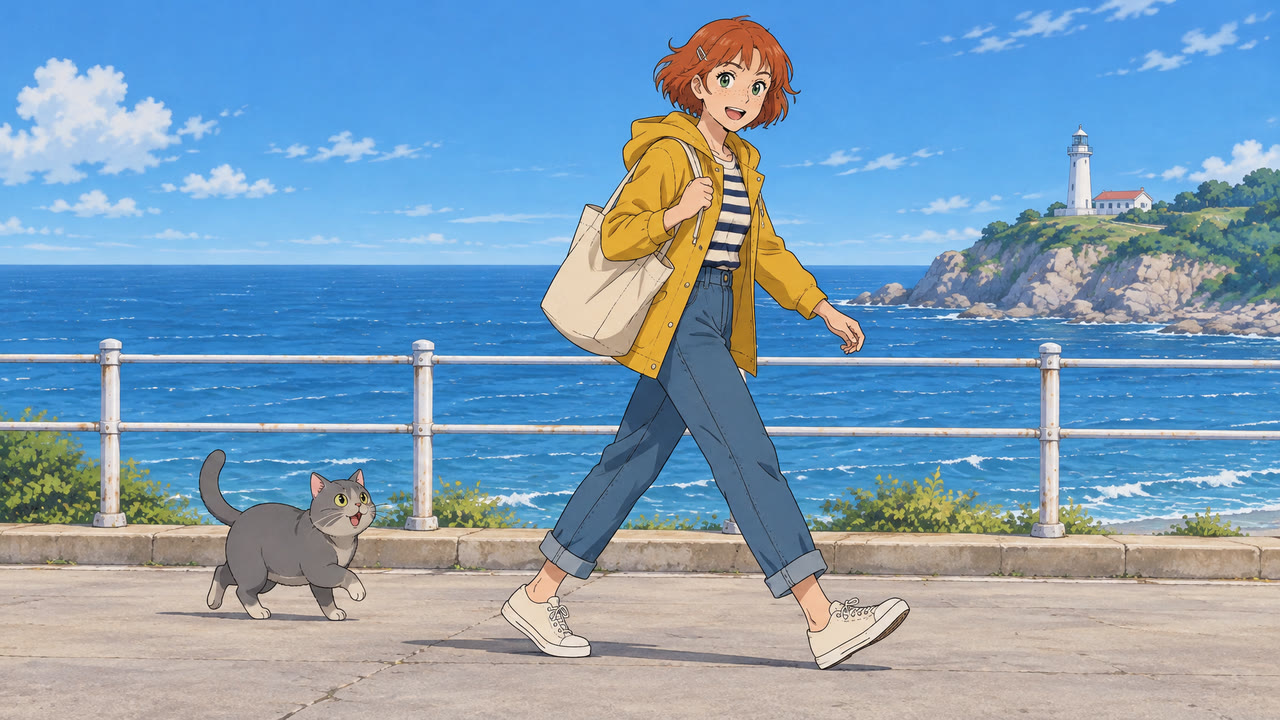
Make anime and cartoon videos from a prompt in 28 drawing styles, or a style from your own picture, with your saved characters in the scene.
- Price
- Same as Create Video; 47 for 5 seconds to start
- Styles
- 28, or your own
- Characters
- Yours, with @
When to use it
- You want moving anime or cartoon clips in a set drawing style.
| If you want to | Use instead |
|---|---|
| A still manga page | Manga |
| Your photo as a drawn picture | Photo to Manga |
Make an anime clip
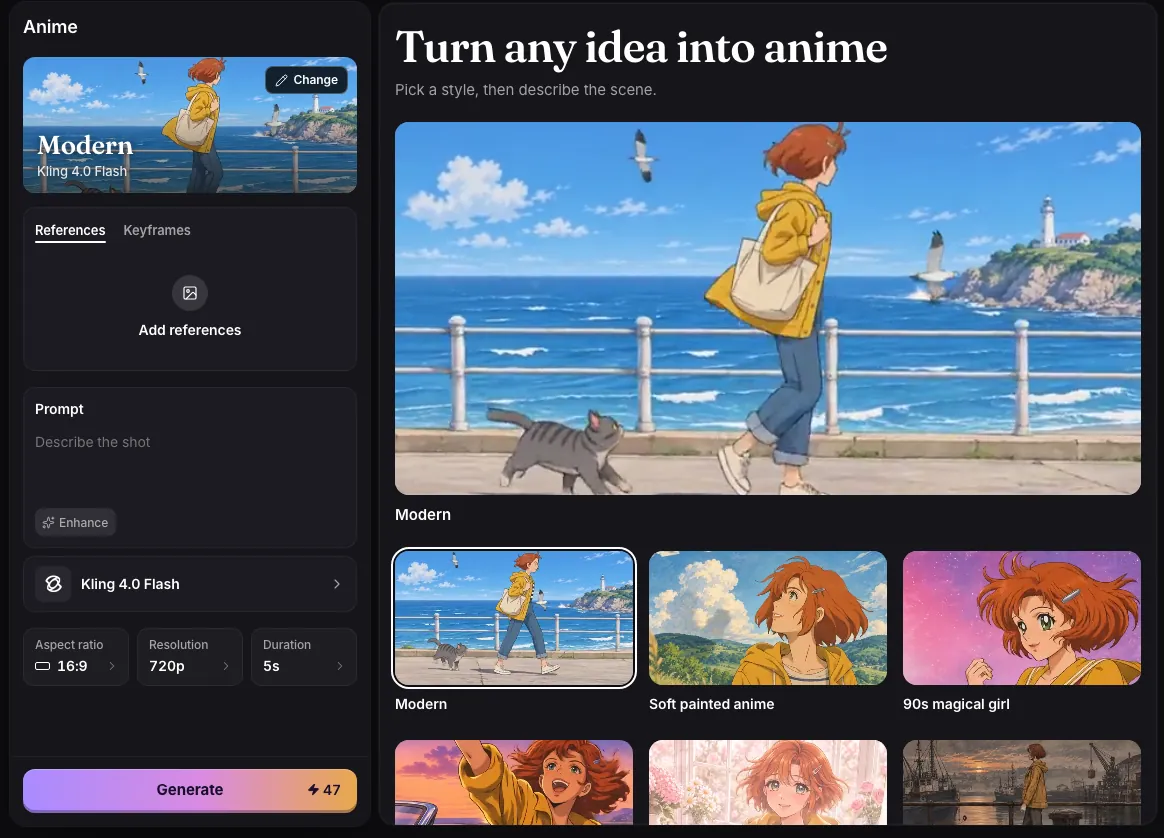
- Pick a style. Anime, Cartoon, Comic and Art each have their own tab, and Yours takes a style from a picture you add.
- Describe the scene. On a model that takes references, type @ to put one of your characters in it.
- Pick the model, Aspect ratio, Resolution and Duration, then press Generate.
Styles
- Anime: Modern, Soft painted anime, 90s magical girl, 80s city pop, Shoujo, Gekiga, Chibi, Thick-line action, Elegant fantasy, Stark graphic, Angular gothic and Minimal.
- Cartoon: Flat TV cartoon, Bendy cartoon, Soft pastel cartoon, Hand-drawn feature, Soft 3D film and Gothic puppet.
- Comic: Manga, Noir comic and Indie comic.
- Art: Watercolour, Ink, Sketch, Crayon, Woodblock, Pixel and Neon.
Each style is a way of drawing (line, colour, shading), not a story genre, so any scene works in any style. A picture you add under Yours is used for its drawing style only, not its characters or setting.
Models and prices
Anime uses the same models and prices as Create Video. New visitors start on Kling 4.0 Flash: 47 credits for 5 seconds, 94 for 10 and 188 for 20.
Common issues and fixes
| What you see | What to do |
|---|---|
| Describe the shot first. | Type the scene, or press Recreate on an example. |
| This prompt can’t be used. Try other words. | Reword the prompt. |
| Needs 79 credits. You have 12. | Top up, or shorten the video. |
| Kling 4.0 Flash takes up to 10 pictures. | Remove pictures. |
| Couldn’t start the video. Try again. | Press Generate again. |
Questions
Can I turn a photo of myself into anime?
For a still picture, use Photo to Manga, which redraws your photo as a Manga, Color manga, Webtoon or Comic panel. For a moving clip, add your photo as a character and type @ and its name in the Anime prompt, on a model that takes references.
How much does a 10 second anime clip cost?
94 credits on the default model, Kling 4.0 Flash, at 720p.
Related
Updated November 18, 2026. Prices are in credits, as checked on that day.