 Fantasia
Help center / Video
Camera Flight
Draw a line on a photo and get a 5 to 10 second video of the camera flying along it, with sound. 15 credits a second plus 2 for planning: 77 for 5 seconds.
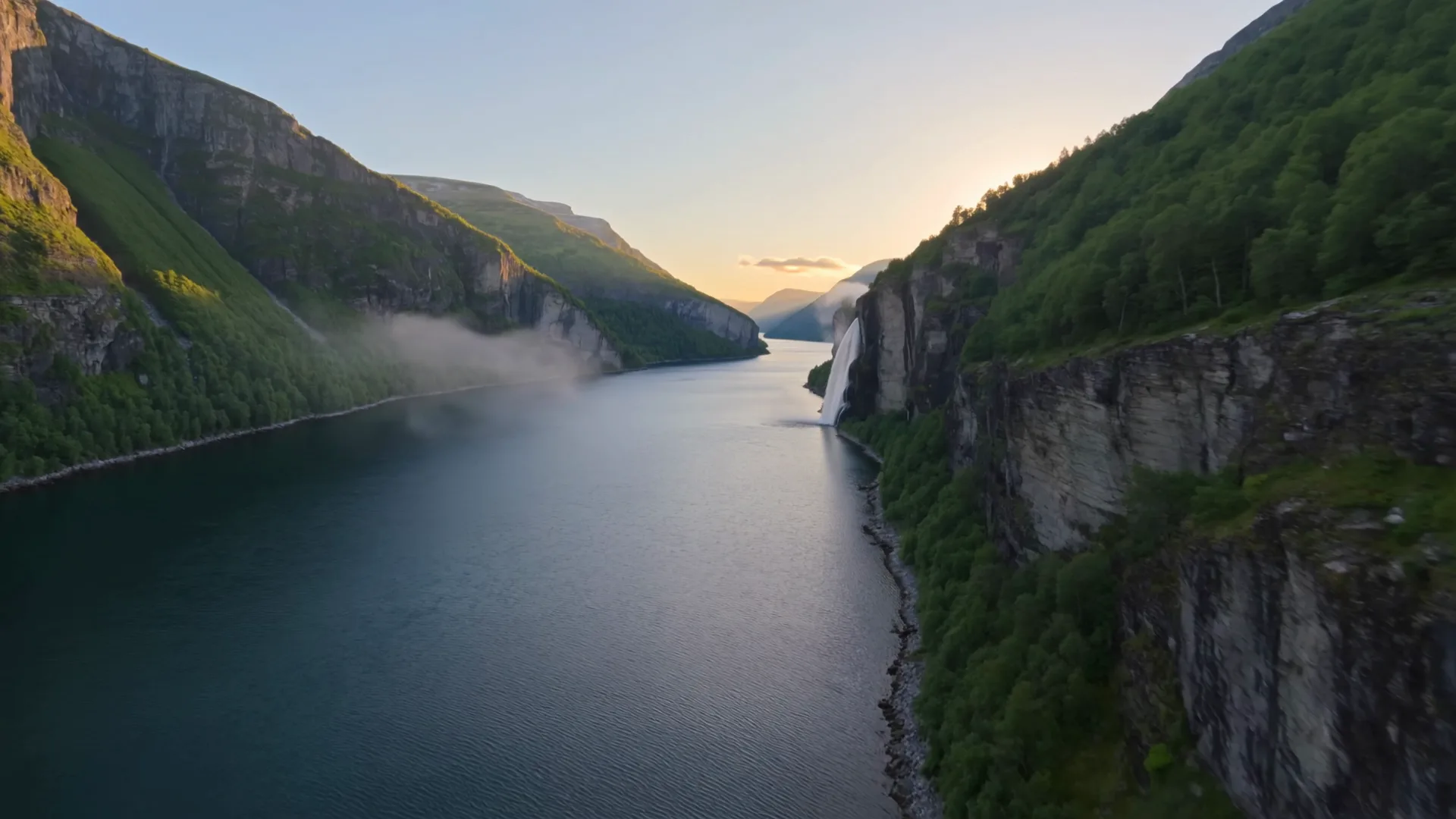
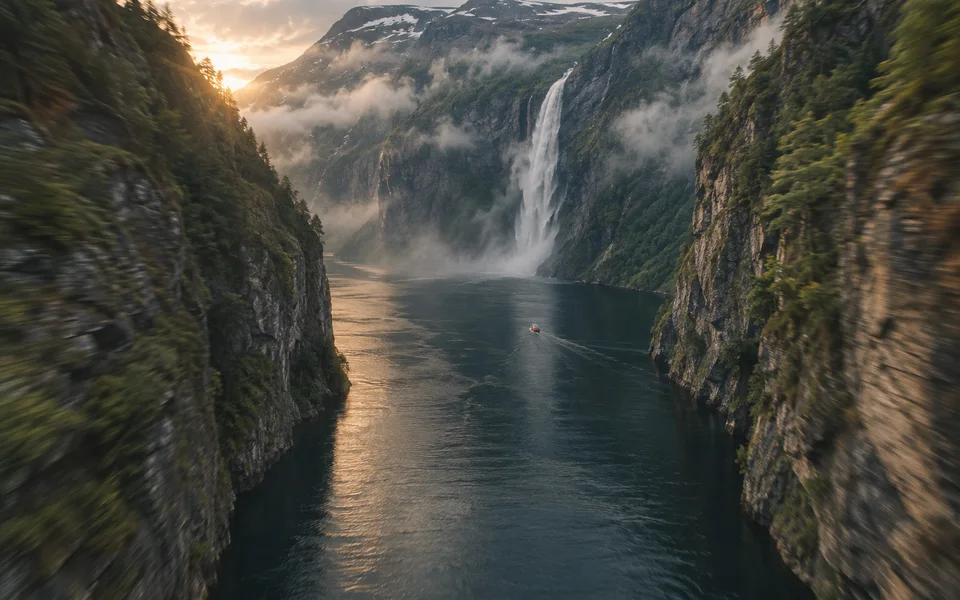
- Price
- 77 credits for 5 seconds
- Length
- 5 to 10 seconds
- Output
- 720p with sound
- Model
- Seedance 2.0 Fast
When to use it
- You have one photo and want the camera to fly through it along a path you choose.
| If you want to | Use instead |
|---|---|
| A camera move written in words | Create Video with the Camera chip |
Fly a camera through a photo
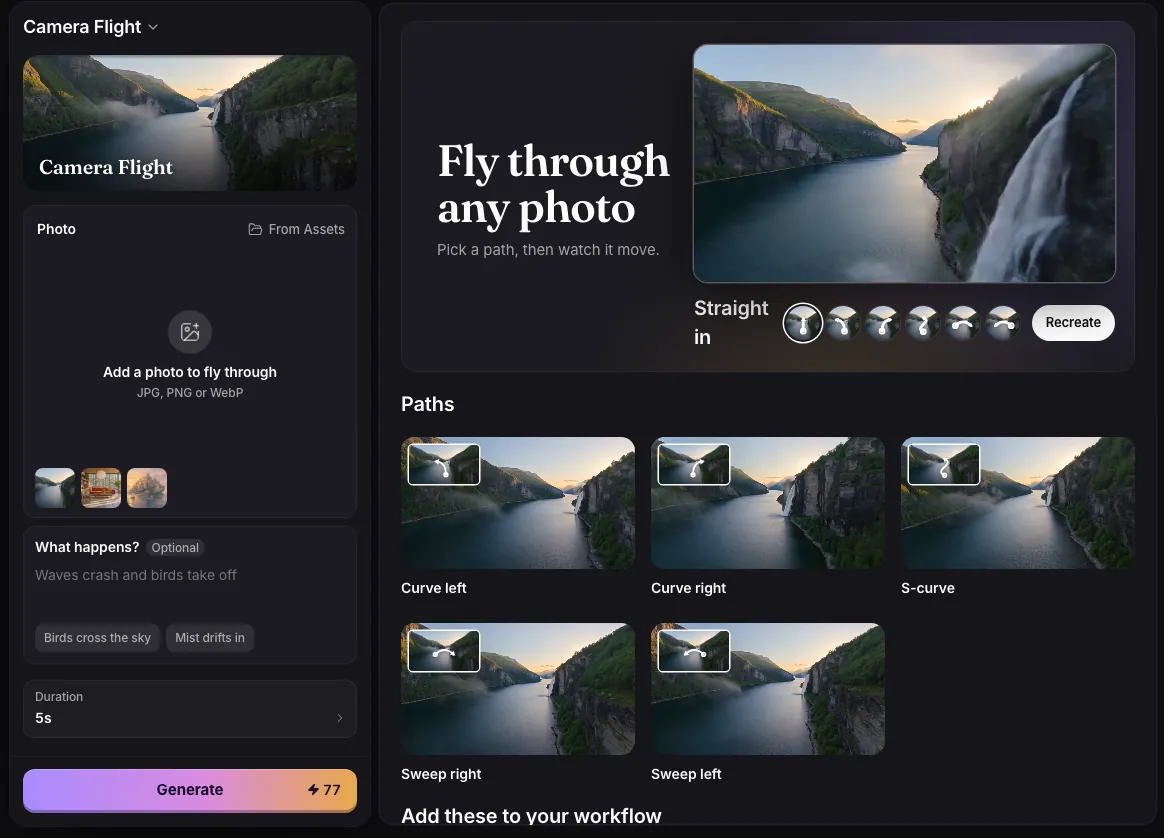
- Add a photo.
- Draw the camera’s path on it, or pick a ready path: Straight in, Curve left, Curve right, S-curve, Sweep right or Sweep left.
- Optionally say what happens, in up to 280 characters, such as “Waves crash and birds take off”.
- Pick a Duration from 5 to 10 seconds and press Generate.
How it works
Your drawn path is read and turned into camera directions, then the clean photo is animated with Seedance 2.0 Fast at 720p, with sound. Leave a gap in the line where the camera should pass behind something, such as a tree or a doorway.
The price is 15 credits a second plus 2 for planning the flight: 77 for 5 seconds, 107 for 7, 152 for 10. If the path cannot be read, nothing is charged and your photo and drawing stay on screen.
Common issues and fixes
| What you see | What to do |
|---|---|
| Draw the camera’s path on the photo first. | Pick a ready path (Straight in, Curve left, Curve right, S-curve, Sweep right, Sweep left) or draw your own on the photo. |
| Add a photo first. | Add a photo (JPG, PNG or WebP) to fly through. |
| Choose an image file. | Add a JPG, PNG or WebP. |
Questions
How long is a Camera Flight video?
Between 5 and 10 seconds; you choose.
Related
Updated November 18, 2026. Prices are in credits, as checked on that day.