 Fantasia
Help center / Video
Lip Sync
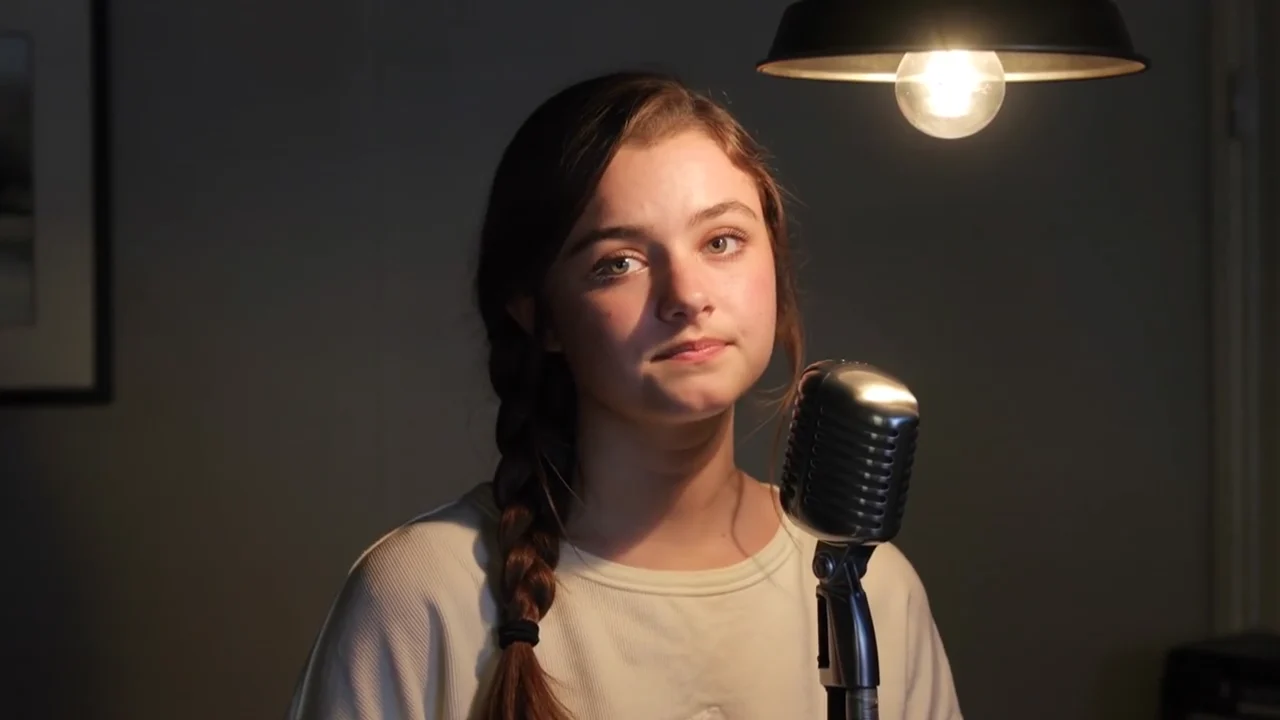
Add a face photo and 5 to 15 seconds of voice or audio, and the face speaks it. 5 credits a second: 25 for 5 seconds, 75 for 15.
- Price
- 5 credits a second
- Audio
- 5 to 15 seconds
- Output
- 480p, as long as the audio
- Model
- MiniMax H3 Max lip sync
When to use it
- You have a face and a voice and want the face to say it.
| If you want to | Use instead |
|---|---|
| Generate the speech and the scene together | Create Video on a model with sound |
| Dub a whole video into another language | Translate |
Make a photo talk
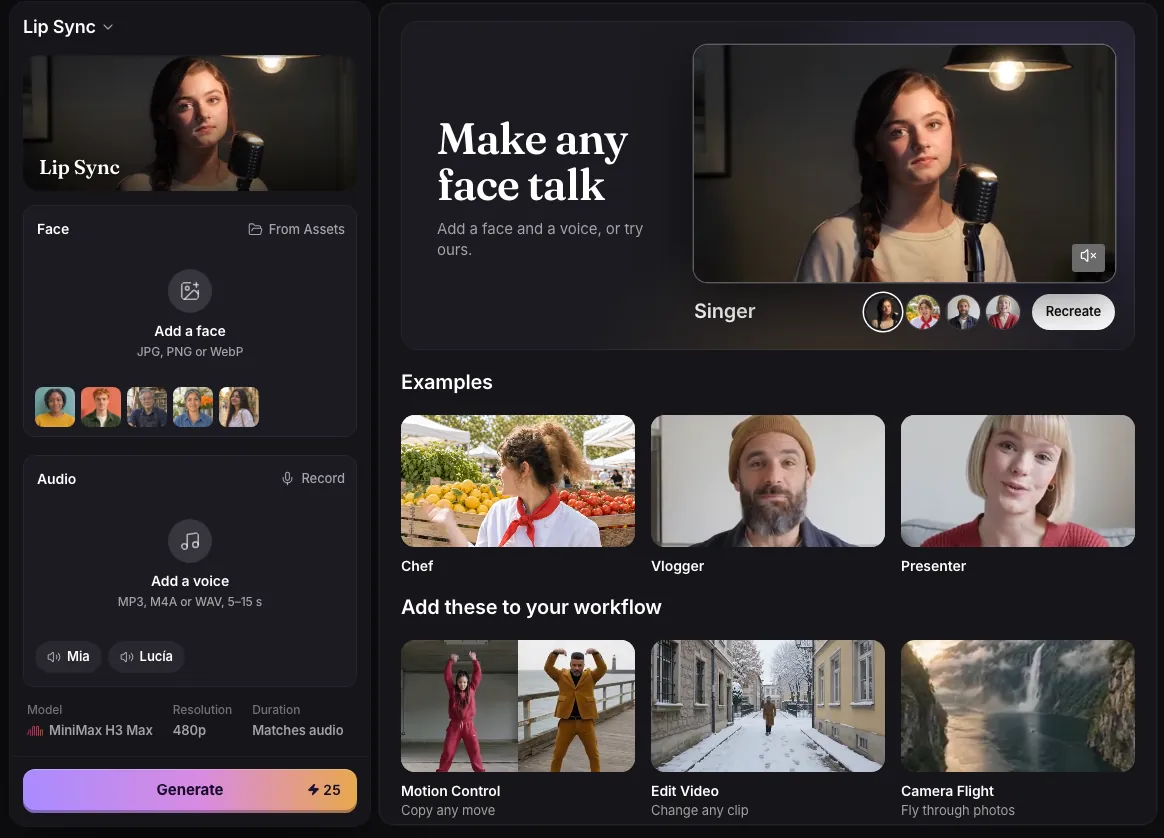
- Add a face photo: JPG, PNG or WebP.
- Add 5 to 15 seconds of audio: upload an MP3, M4A, WAV or AAC file, record with Record, or pick a sample voice.
- Press Generate. The clip is as long as the audio, and the audio is its soundtrack.
Details
- The result is a 480p video in the shape of your photo, made with MiniMax H3 Max lip sync.
- The price is 5 credits per second of audio, counted in whole seconds: 25 for 5 seconds, 50 for 10, 75 for 15.
- Audio under 5 seconds is refused before anything is charged. Audio a fraction over 15 seconds, up to half a second, is trimmed to 15.
- Recording stops by itself at 15 seconds and can be stopped from 5 seconds on. Audio files can be up to 20 MB.
Common issues and fixes
| What you see | What to do |
|---|---|
| This audio is 3.2 s. Use at least 5 s. | Record or add audio of 5 seconds or more. |
| This audio is 18 s. Use up to 15 s. | Trim the audio to 15 seconds or less. |
| Couldn’t read this audio. Use an MP3, M4A or WAV file. | Convert the audio to MP3, M4A or WAV and add it again. |
| Choose an audio file. | Choose an MP3, M4A, WAV or AAC file. |
| Add a face photo first. | Add both a face photo and a voice, then press Generate. |
Questions
How long can a lip sync video be?
Between 5 and 15 seconds, matching your audio.
Can I use a recording of my own voice?
Yes. Press Record on the page, or upload a file.
Related
Updated November 18, 2026. Prices are in credits, as checked on that day.