 Fantasia
Help center / Image
Magic Editor
Describe a change to a photo, and paint where if you like. 4 credits an edit, and every version is kept.
- Price
- 4 credits an edit
- Output
- PNG, same size as yours
- Prompt
- Up to 2,000 characters
- Model
- GPT Image 2.5
When to use it
- You want to change or remove one thing in a photo and keep the rest.
| If you want to | Use instead |
|---|---|
| Change only the light | Relight |
| A new picture from scratch | Create Image |
Edit a photo with words
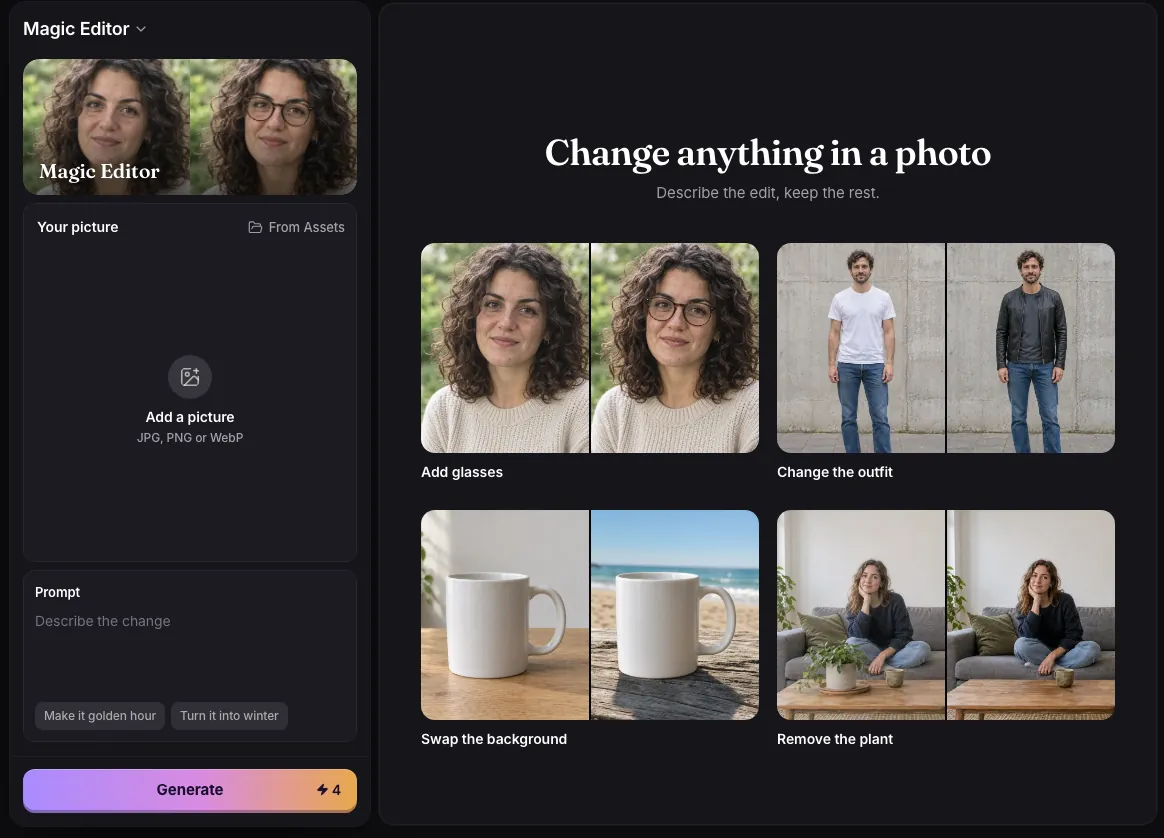
- Add a picture, or pick one from Assets.
- Describe the change in up to 2,000 characters, such as “Replace the sky with a sunset”.
- If the change belongs in one place, paint over it with the Brush or Rectangle.
- Press Generate. Each edit becomes a new version beside the picture.
Details
- Each edit costs 4 credits and comes back as a PNG the same size as your picture.
- Paint over something and leave the prompt empty to remove it: the area is filled in naturally.
- The painted area tells the editor where to look; your words say what to do. The rest of the picture, faces included, is kept as it was.
- Hold Compare to see the original, and use Edit this on a version to keep going from it.
- Magic Editor uses GPT Image 2.5.
Examples
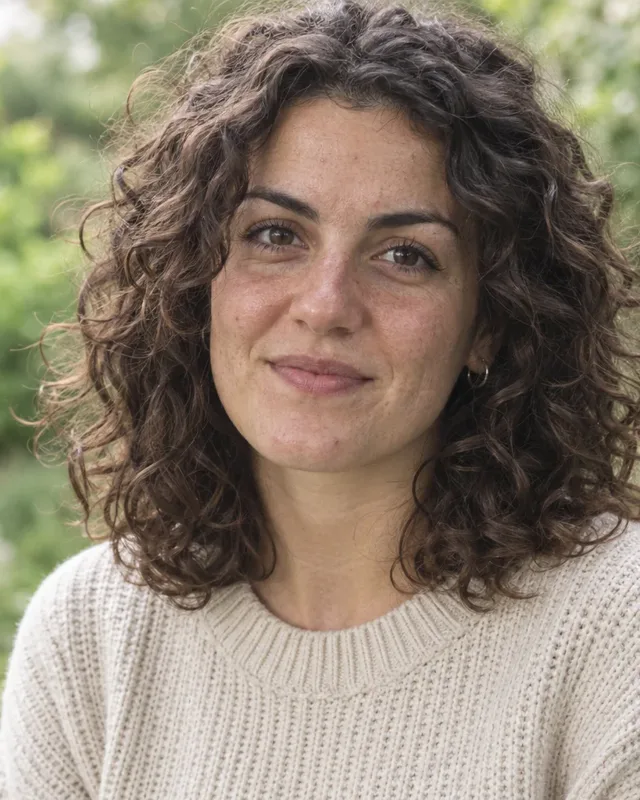
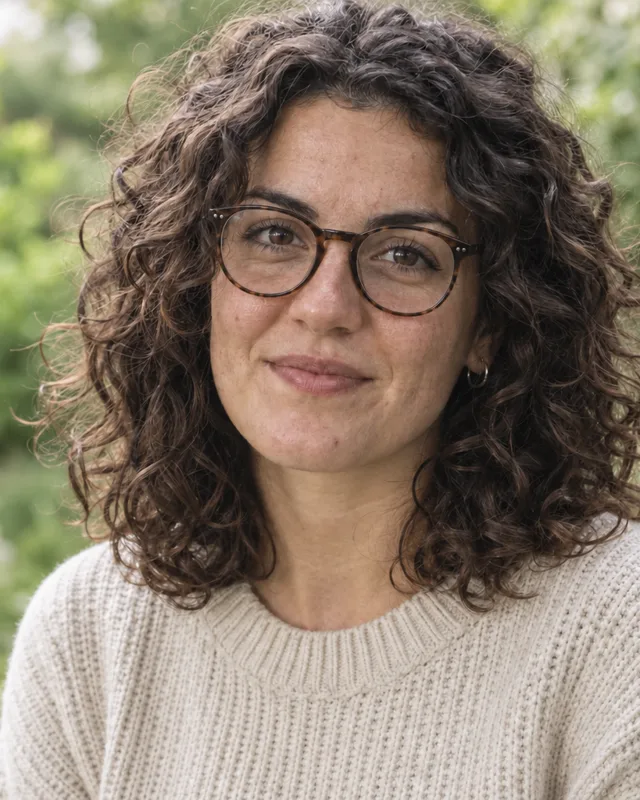
Add glasses
Prompt
Add round tortoiseshell glasses
- Painted area
- None, words only
- Price
- 4 credits
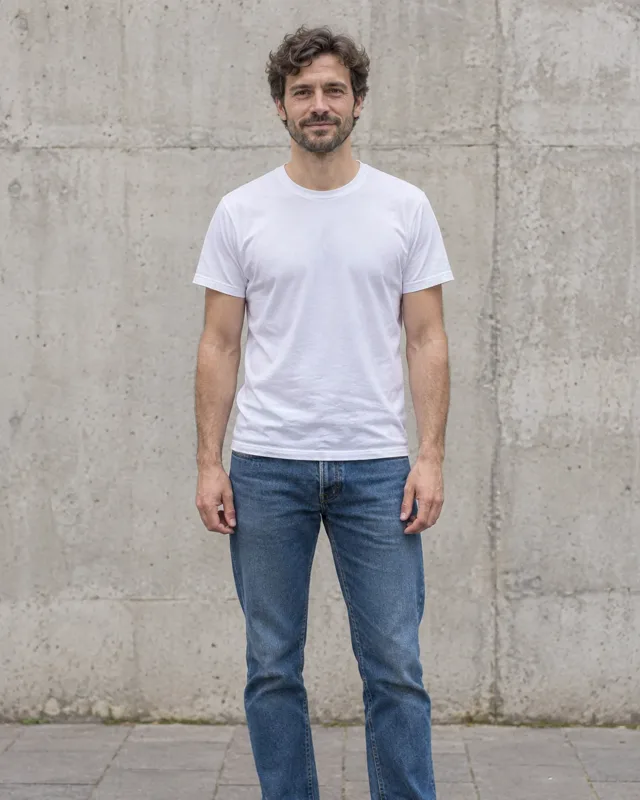
Change the outfit
Prompt
Change the outfit to a black leather jacket
- Painted area
- None, words only
- Price
- 4 credits

Swap the background
Prompt
Change the background to a sunny beach
- Painted area
- None, words only
- Price
- 4 credits

Common issues and fixes
| What you see | What to do |
|---|---|
| Choose an image file. | Add a JPG, PNG or WebP. |
| Needs 79 credits. You have 12. | Top up. |
| Something went wrong. Try again. | Press Generate again. |
| Could not download this one. | Try again, or download from Assets. |
Questions
How do I remove something from a photo?
Paint over it and press Generate with no words. 4 credits.
Related
Updated November 18, 2026. Prices are in credits, as checked on that day.