 Fantasia
Help center / Video
Edit Video
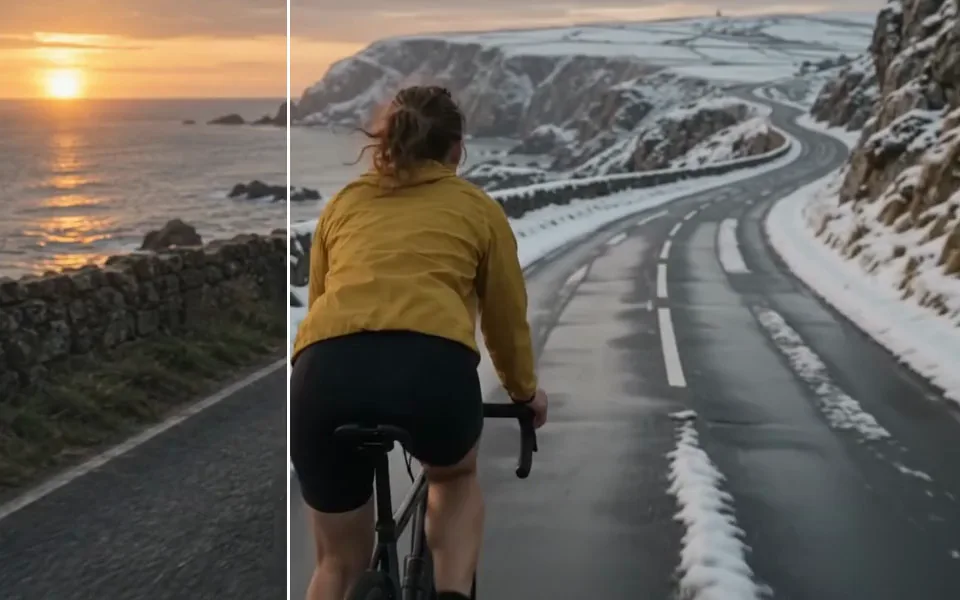
How Edit Video works: the 10 second clip limit, what to write so only your change happens, and the price of 10 credits a second.
- Price
- 10 credits a second
- Clip
- MP4, up to 10 seconds
- Output
- 720p, same length
- Prompt
- Up to 500 characters
When to use it
- You have a short clip and want to change something in it with words: the time of day, the weather, an outfit, an object.
| If you want to | Use instead |
|---|---|
| Replace a person with one from a picture | Video Recreator |
| Make the clip longer | Extend |
Change a clip with words
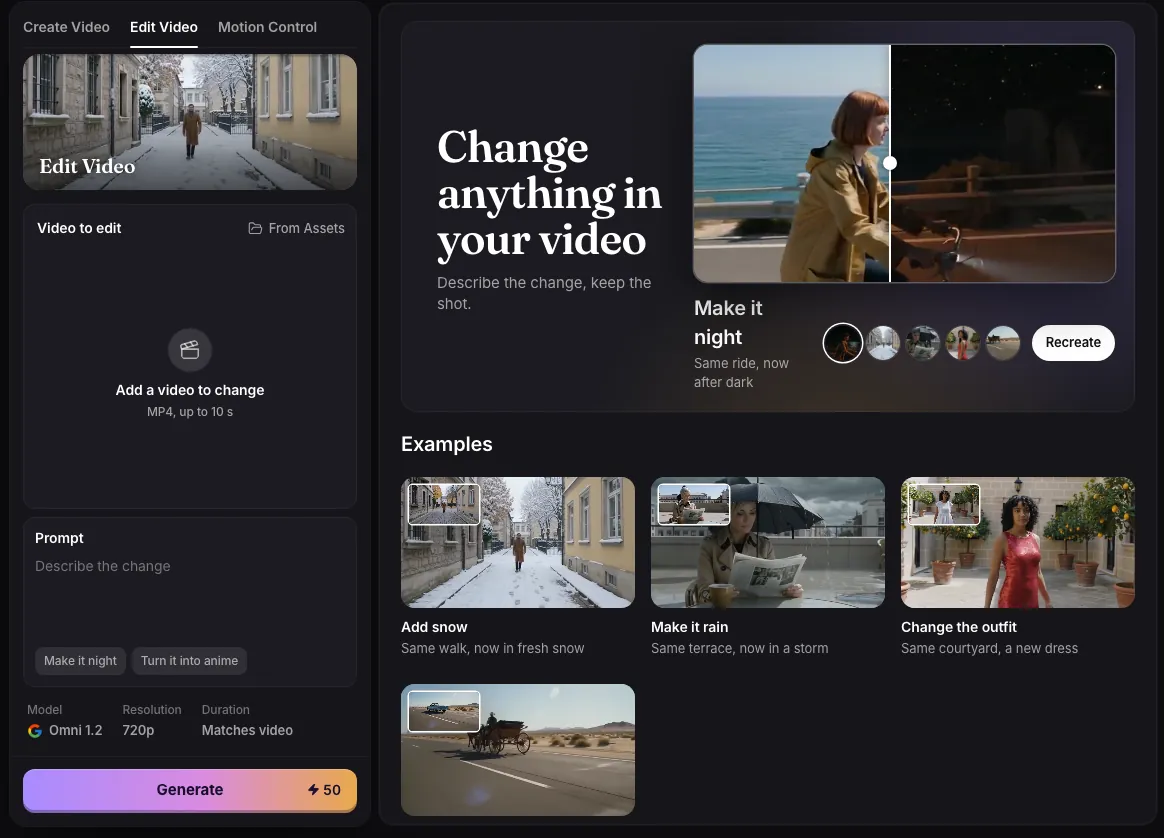
- Add an MP4 of up to 10 seconds, or pick one of your own videos.
- Describe the change, in up to 500 characters.
- Press Generate. The edited clip is 720p and the same length as yours.
Details
Describe only what should change; Fantasia adds “Keep everything else the same” for you. The suggestions on the page show the kind of change that works: “Make it night”, “Turn it into anime”, “Turn the jacket red”, “Make it a watercolour”.
Edit Video costs 10 credits a second: 30 for 3 seconds, 50 for 5, 100 for 10. Longer clips are refused before anything is charged. It runs on Google’s Omni video model.
Examples
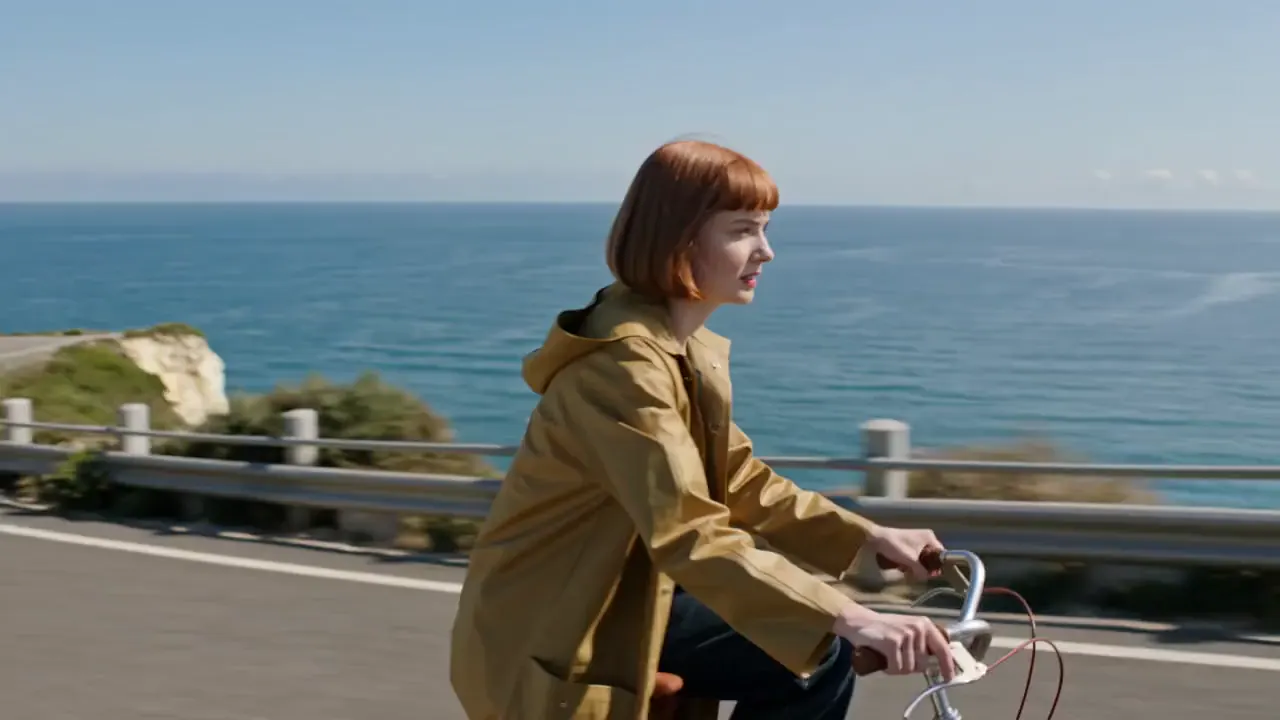
Make it night
Prompt
Turn this into a real night scene: a black starry sky, a dark moonlit sea, the woman, her bike and the road lit only by warm orange streetlamps and her bike headlight, deep night shadows on her face and coat. Keep her, her ride and the camera the same
- Clip
- 5 seconds, 720p
- Price
- 50 credits
Add snow
Prompt
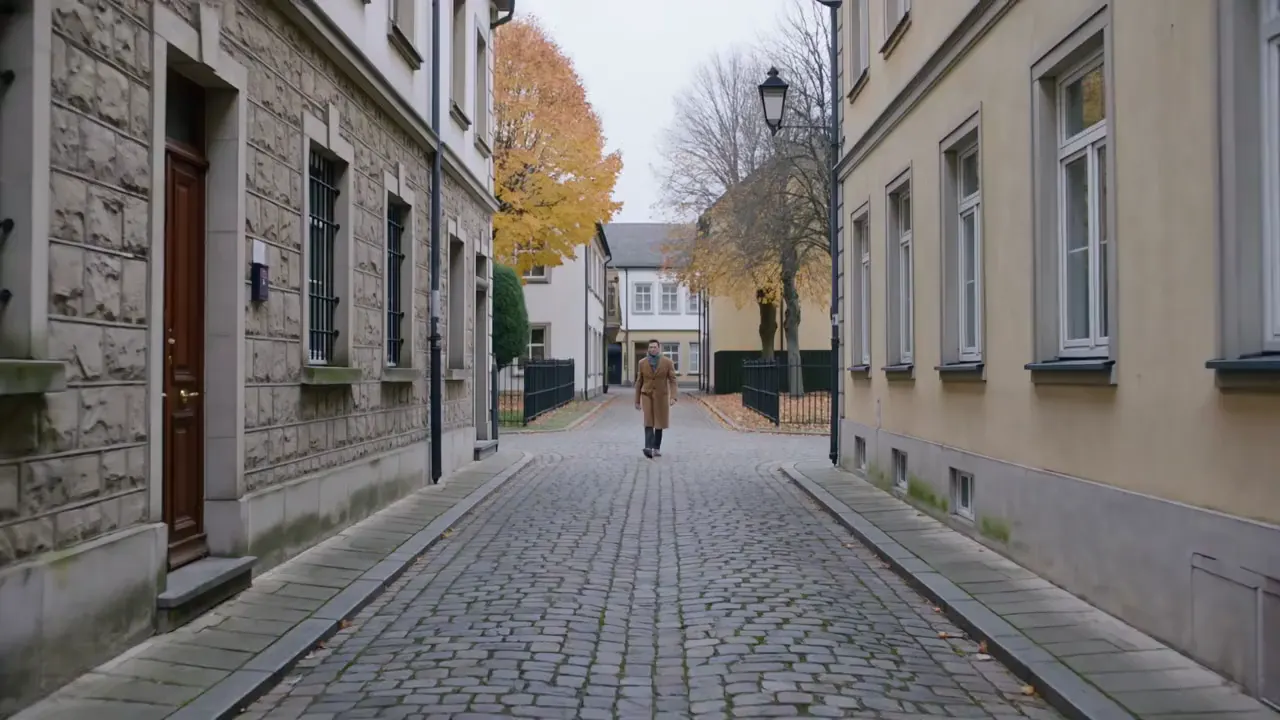
Make it a snowy winter day: snow falling, the street, roofs and trees covered in fresh snow, keep the man and his walk the same
- Clip
- 5 seconds, 720p
- Price
- 50 credits
Make it rain
Prompt
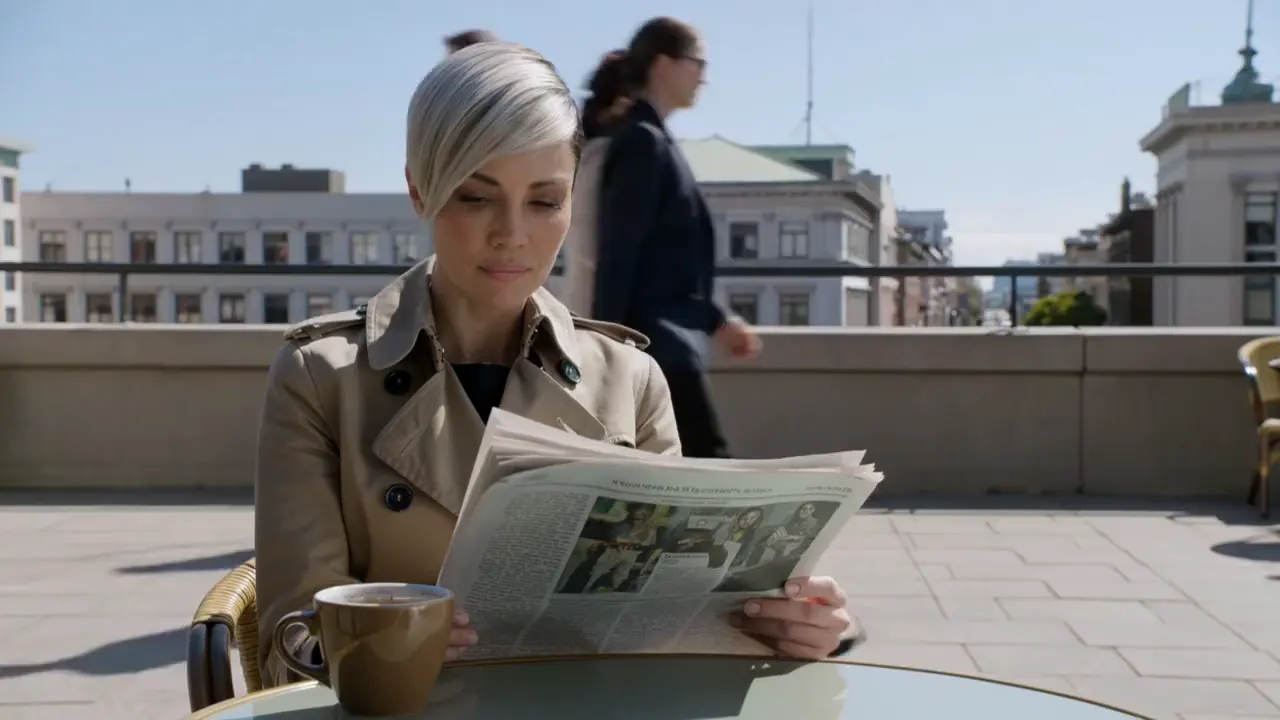
Make it a dark stormy rainy day: heavy grey overcast sky, heavy rain falling everywhere, wet shining ground with puddles, passers-by under umbrellas, she sits under a black umbrella. Keep her and her movements the same
- Clip
- 5 seconds, 720p
- Price
- 50 credits
Common issues and fixes
| What you see | What to do |
|---|---|
| Describe the change first. | Type what to change, for example 'Make it night', then press Generate. |
| This video is longer than 10 s. Choose a shorter one. | Trim the clip to 10 seconds or less. |
| Use an MP4 video. Other formats, like iPhone .mov, aren’t supported yet. | Convert the clip to MP4. |
| Choose a video file. | Add an MP4 video. |
| Needs 79 credits. You have 12. | Top up, or edit a shorter clip. |
Questions
How long a clip can I edit?
Up to 10 seconds. For a longer video, edit it in parts.
Related
Updated November 18, 2026. Prices are in credits, as checked on that day.