 Fantasia
Help center / Image
Influencer
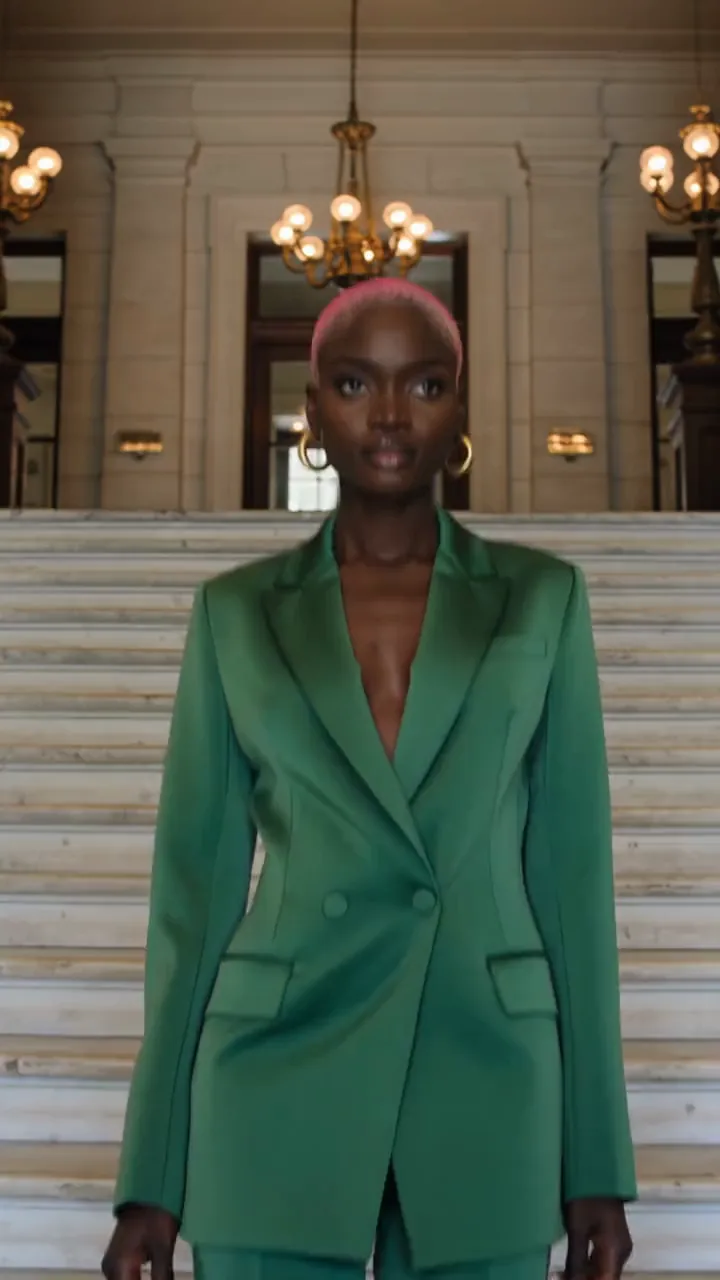
Design a photo-real person from simple choices or your own face, then save them as a character. 2 credits a portrait, 3 from a face.
- Price
- 2 credits a portrait, 3 from a face
- Shapes
- 3:4 or 9:16
- Model
- GPT Image 2.5
When to use it
- You want a new, realistic person to use again and again.
| If you want to | Use instead |
|---|---|
| A drawn or styled character | Characters with Describe |
Make an AI influencer
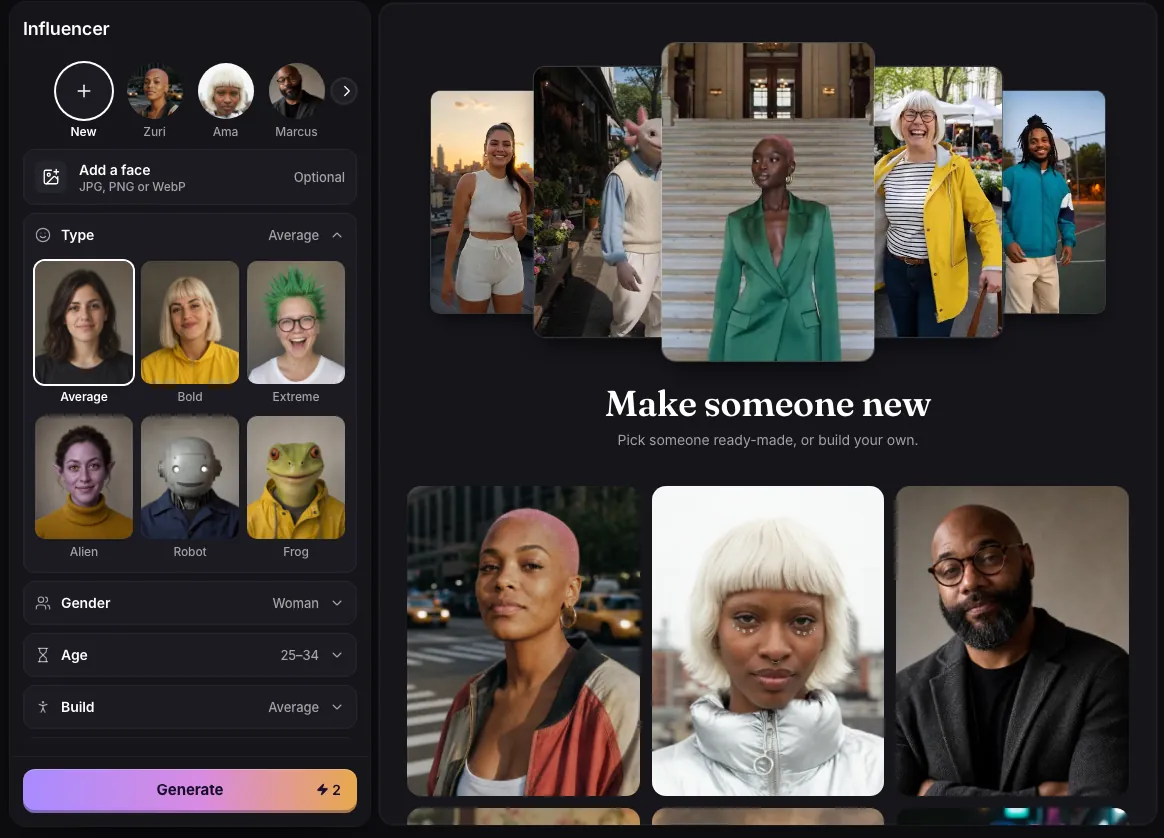
- Start from a ready-made person, add a face photo, or start blank.
- Pick a Type (Average, Bold, Extreme, Alien, Robot or Frog), then the details: gender, age, build, skin colour, hair, eye colour and style. Anything else takes up to 120 characters, such as freckles or round glasses.
- Press Generate for a portrait. More like this makes another take.
- Name the one you like and choose Save as character to use it in other videos and pictures.
What comes out
A waist-up photograph against a plain studio backdrop, with real skin texture and no retouching look, in 3:4 or 9:16. Alien, Robot and Frog are shot as practical film makeup rather than drawn. From the result you can go straight to Make a video, Motion Control or Video Recreator.
Each portrait costs 2 credits, or 3 when it starts from a face photo or a ready-made person.
Common issues and fixes
| What you see | What to do |
|---|---|
| Your other generations are still running. Try again when one finishes. | Wait for a running generation to finish, then press Generate again. |
| Couldn’t start this one. Try again. | Press Generate again. |
| Choose an image file. | Add a JPG, PNG or WebP photo. |
| Needs 79 credits. You have 12. | Top up. |
| Blocked by the safety check | Change the choices or the extra words. |
Questions
Can I base the influencer on my own face?
Yes. Add a face photo (JPG, PNG or WebP) and the portrait keeps that face and likeness while the rest follows your choices.
How do I put my influencer in a video?
Save it as a character, then type @ and its name in Create Video or Anime on a model that takes references, or use it in Motion Control or Video Recreator.
Related
Updated November 18, 2026. Prices are in credits, as checked on that day.